PostgreSQL ER diagrams · free, no signup, open source (MIT)
Paste SQL. See Schema. Ship Faster.
The free PostgreSQL ER diagram tool where you paste SQL and see your schema instantly.


5 tables · live preview · hover a table to trace
Live demo
Watch it work.
Four moves. That is the whole product.
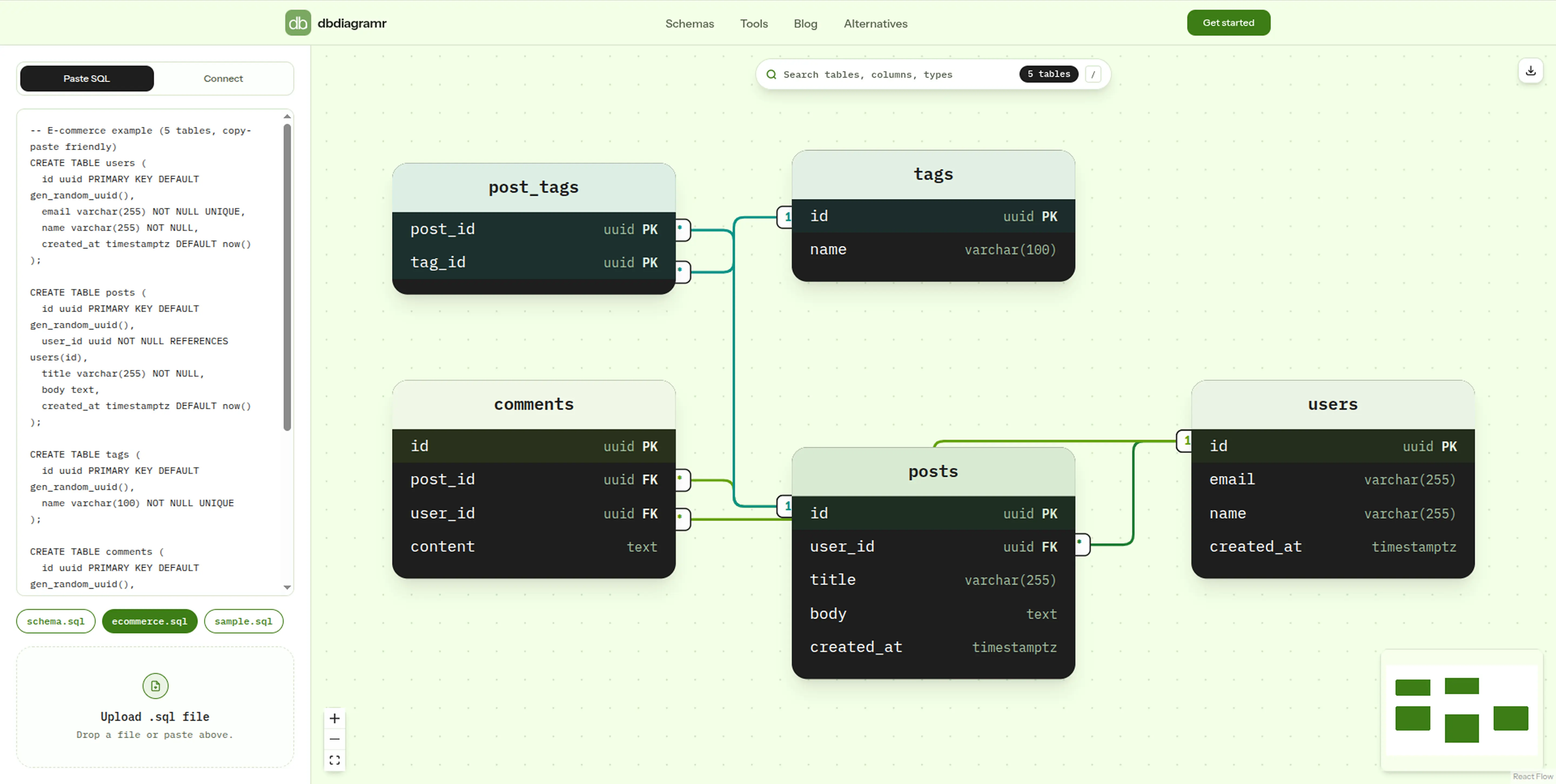
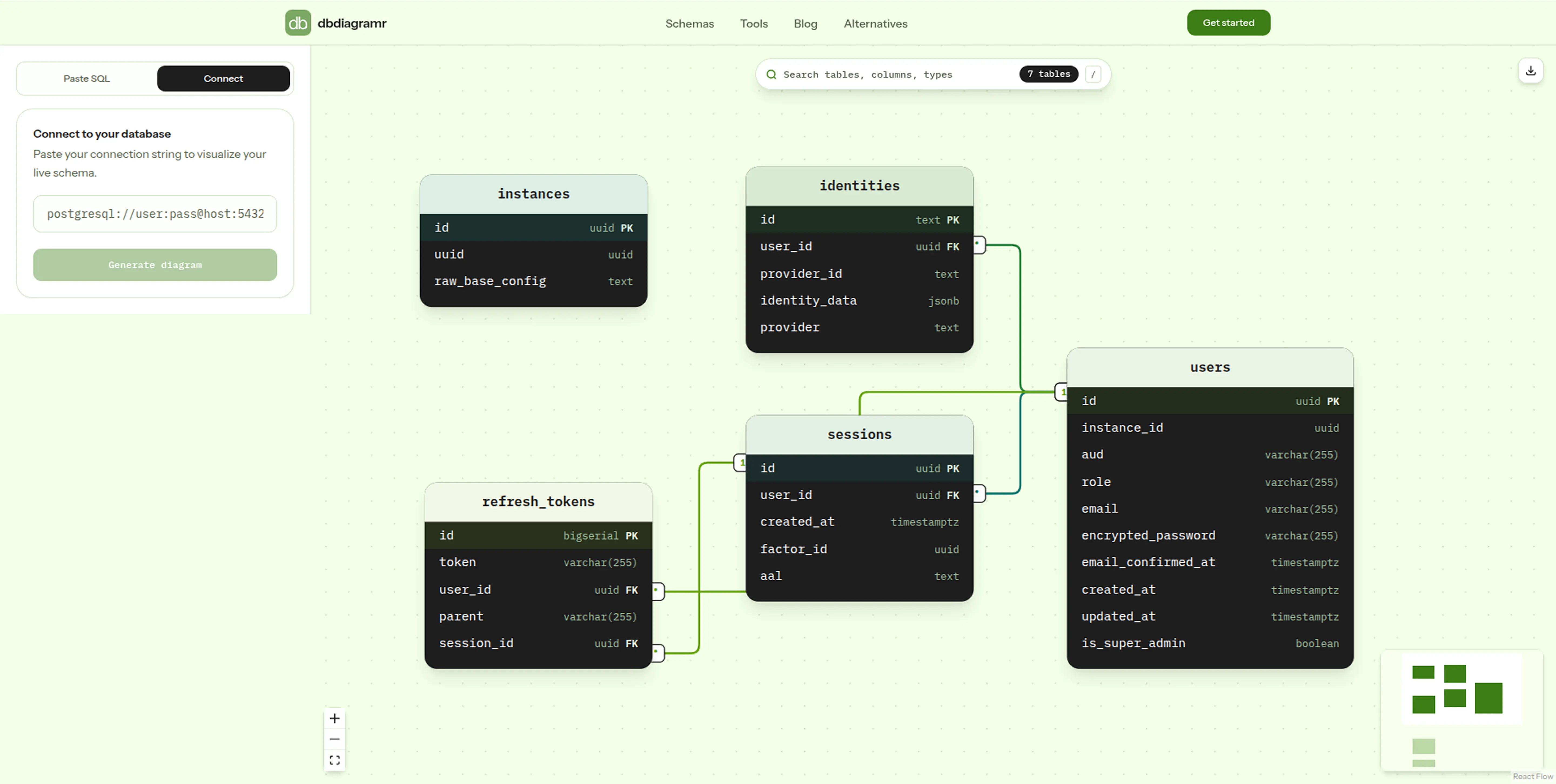
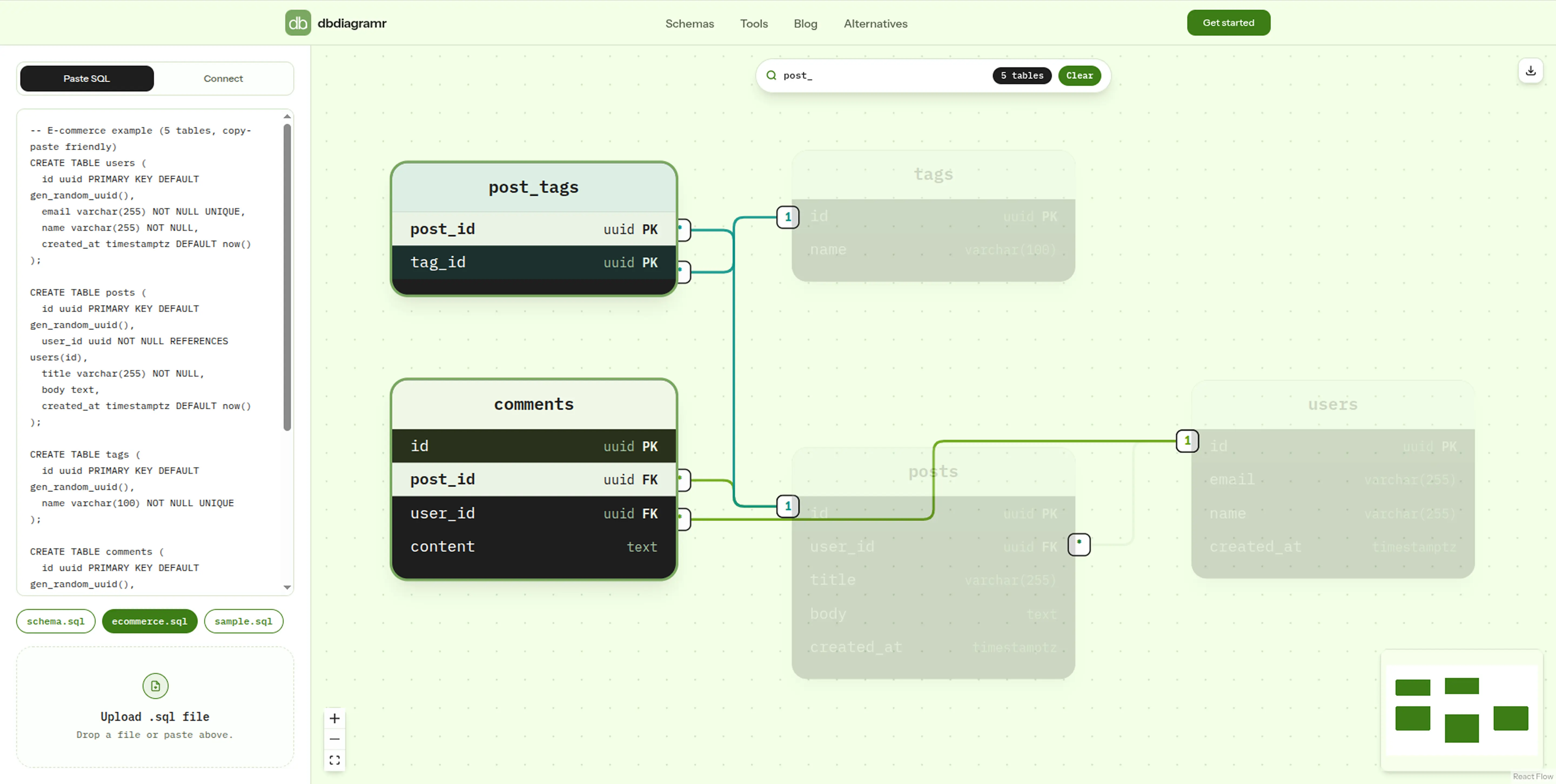
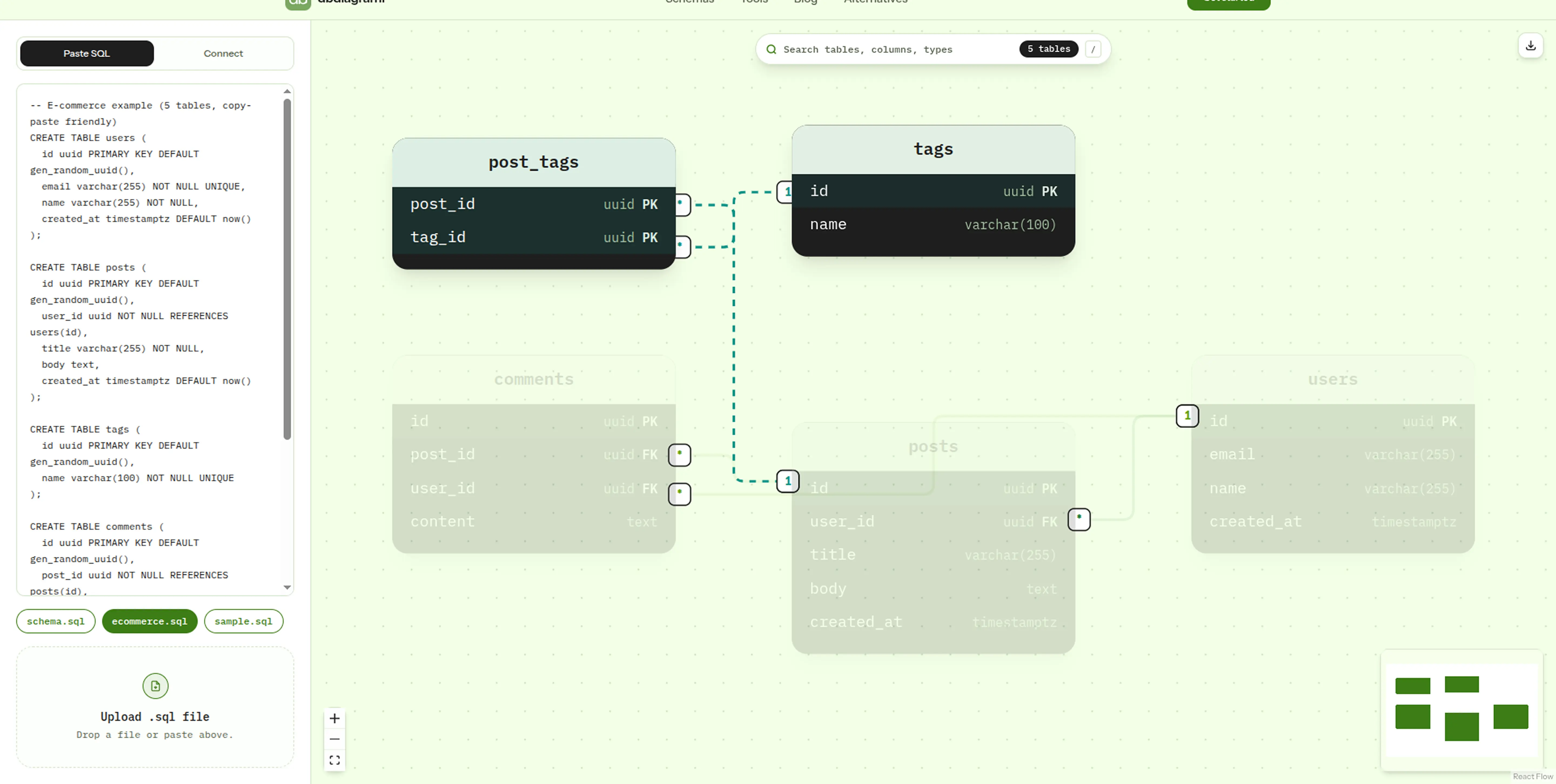
What it does
Your database, diagrammed.
Instant Import
Paste SQL or connect to a live PostgreSQL database. See your entire schema as an interactive diagram in seconds.
Search & Navigate
Press / to find any table, column, or type instantly, even in databases with 50+ tables.
Export Anywhere
Download as SVG or PNG. Embed diagrams in docs, READMEs, or presentations.
Live Connection
Connect directly to your PostgreSQL database. Tables, columns, and foreign keys with no manual SQL required.
Why dbdiagramr
Database visualization for everyone
We built dbdiagramr so developers could stop guessing and start seeing their databases, crystal clear, with just a connection string. Confusing schemas become clear diagrams.
We solved the problems other tools make you live with
No diagram limit
Create as many diagrams as you need. No counts, no quotas, no upgrade prompts.
Connect directly
Paste your PostgreSQL connection string and see your real schema with no manual SQL input, no query running, and no extra steps.
Private by design
Paste SQL never leaves your browser. Live connections go to our backend for one request, then are discarded. No stored schemas, no accounts.
No learning curve
Paste SQL or connect to your database. No DSL to learn, no syntax to memorize.
PostgreSQL guide
PostgreSQL ER diagrams, explained
A PostgreSQL ER diagram turns tables, columns, primary keys, and foreign keys into a picture you can read. dbdiagramr builds that picture from your real database, so the diagram matches what is deployed instead of a hand-maintained copy.
Open the visualizer →How Postgres-specific types render
- Arraystext[], integer[], and multi-dimensional arrays render with brackets, exactly as \d shows them.
- Enums and domainsCustom type names (mpaa_rating, email_address) are preserved, never collapsed to varchar.
- json / jsonbShown as-is on the column; the key structure inside the document is not expanded.
- Ranges and network typeststzrange, int4range, inet, cidr, and uuid all render verbatim.
- Composite keysEvery column in a multi-column primary key gets its own PK badge.
How to generate a PostgreSQL ER diagram
- 01Get a read-only PostgreSQL connection string. Copy the connection string from Supabase, Neon, Railway, RDS, or any PostgreSQL host. Use a read-only role if you can.
- 02Paste it into dbdiagramr. Open the visualizer and paste the connection string, or paste a SQL dump instead. dbdiagramr reads tables, columns, primary keys, and foreign keys.
- 03Explore and export the diagram. Search for a table, hover to trace relationships, then export the diagram as SVG or PNG.
No installation and no schema code. Paste-SQL mode runs in your browser; a live connection string is used for one request and is never stored.
Frequently asked questions
Select a question to expand
Still curious? Open the visualizer or browse the schema library.
Ready to visualize your database?
Guides
Learn from real schemas
Practical guides on schemas, ER diagrams, and connection strings.
Database Schema Diagram Tool: 5 Ways to Visualize PostgreSQL
Compare 5 database schema diagram tools for PostgreSQL: from psql to live connection string. Find the one that fits your workflow.
What Is an ER Diagram and How to Read One
What an ER diagram actually shows: entities, attributes, relationships, and cardinality, and how to read one in under 5 minutes.
How to Format SQL in PostgreSQL: A Practical Guide
Messy single-line SQL slows everyone down. How to format PostgreSQL properly, which style to pick, and a free formatter that runs in your browser.
Database Schema Health Check: 7 Checks Before Ship
Run a 60-second health check on your PostgreSQL schema: missing primary keys, unindexed foreign keys, naming drift, and the fixes for each.
Supabase getaddrinfo ENOTFOUND db.<ref>.supabase.co Fix
Fix Supabase getaddrinfo ENOTFOUND db.<ref>.supabase.co: use the session pooler (5432), or transaction pooler (6543) with prepared statements off.
Keep exploring
Free tools (14)
Schemas (16)